

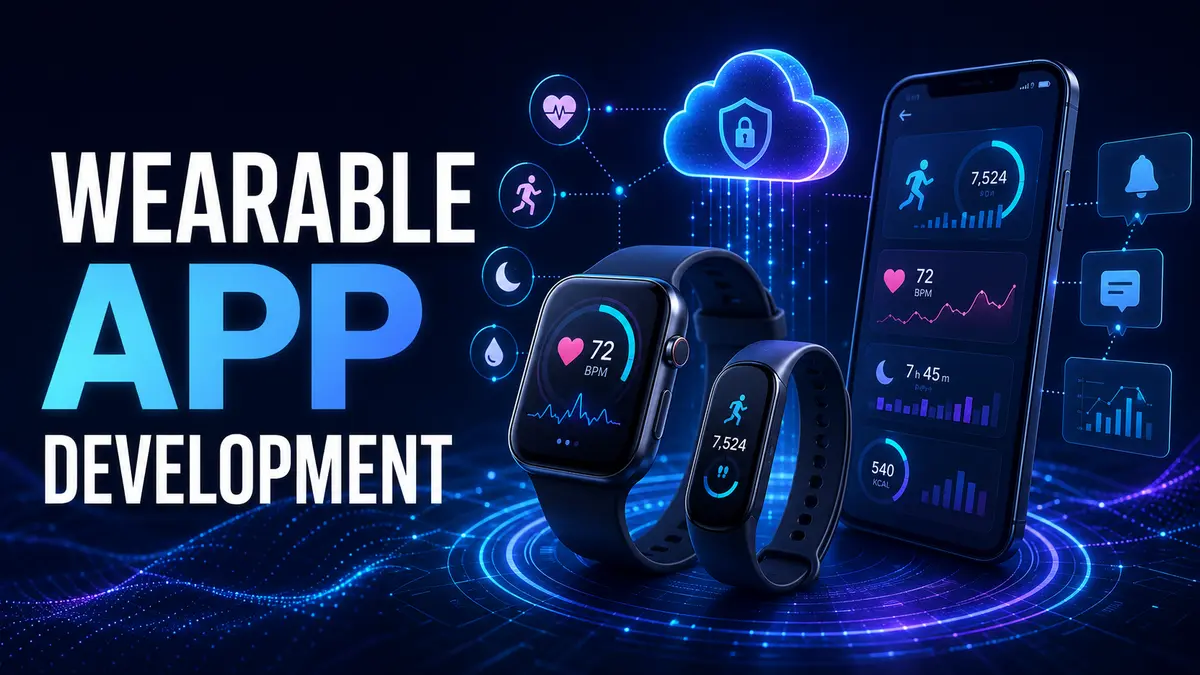
Quick answer A wearable app should deliver short, timely value that fits a small screen and limited attention. A capable wearable app development company will define the wrist based use case, choose standalone or phone connected architecture, minimize interaction, protect sensitive data, manage battery impact and test on real devices.
Wearables can support fitness, health, field work, safety, communication, payments and quick approvals. They are not simply smaller phones. The product must respect context, motion, visibility, connectivity and the limited time a person can look at a device.
Ask what becomes faster or safer when the experience moves to the wrist or another wearable. Useful actions include viewing a time sensitive alert, recording a simple measurement, confirming a task or receiving a glanceable update.
If the user must read long content, complete a complex form or compare many items, the phone may remain the better interface. A wearable feature should complement the broader product rather than reproduce every screen.
A standalone wearable application can deliver value without a phone during normal use. A connected application relies on a companion phone for data, configuration or heavier work. A hybrid may perform core actions independently and synchronize richer details later.
The official Wear OS development guide notes that a wearable app can be created as an independent application and can connect to a phone when the experience requires it. Choose according to the user journey, connectivity and data ownership.
Prioritize the most important information and action. Use clear hierarchy, large touch targets and short flows. Avoid requiring precise input while the person is walking or occupied. Provide confirmation without forcing unnecessary steps.
Notifications should be timely and actionable, not a copy of every phone alert. Complications, widgets and other glanceable surfaces can expose the right information without opening the full application. Platform conventions should guide behavior.
Wearable platforms have their own layouts, navigation, permissions and distribution requirements. The Wear OS app quality guidance provides requirements for assessing application quality. Apple also provides dedicated watchOS development resources for wrist based experiences.
Review current platform guidance during planning and before submission. Requirements change, and a phone interface transferred to a watch may fail both usability and store review.
Wearables may provide motion, location, heart rate and other signals depending on device permissions and hardware. Define which data is necessary, how accuracy affects the use case and what happens when a reading is unavailable.
Do not make medical or safety claims without appropriate evidence and review. Explain data use clearly and request permission in context. Health and activity information can be sensitive even when individual readings appear simple.
Collect the minimum information required. Encrypt protected data in transit and at rest where appropriate. Keep authentication and authorization consistent across the phone, wearable and backend.
Small screens can expose notifications to people nearby. Give users control over sensitive previews. Plan device loss, account removal, retention and export. Audit third party analytics and service providers that receive wearable data.
Connections can change between phone, Wi Fi, mobile data and offline states. Define which actions require immediate confirmation and which can be queued. Show users when information is stale or still synchronizing.
Use versioned data contracts and handle duplicate or out of order updates. A clear backend contract reduces conflicts between device applications. Our mobile app backend development guide explains the server responsibilities behind reliable applications.
Frequent sensors, network calls, background work and animation can reduce battery life. Measure the real use case on target hardware. Batch appropriate work, limit unnecessary updates and use platform supported scheduling.
Fast startup matters because wearable sessions are short. Keep the interface focused and move heavy processing to a suitable device or service when practical.
Emulators help during development, but final validation needs real hardware and realistic movement, connectivity and notification conditions.
Ask partners to explain why the wearable experience belongs on the device. Review their platform design, sensor, mobile, backend, privacy and testing experience. Relevant evidence is more useful than a generic application portfolio.
Clarify whether the team handles the companion mobile app, backend integrations, store submission and maintenance. For broader application vendor selection, use our guide on choosing an app programming company.
Wearable products depend on device models, operating systems, companion phones and backend services. Plan compatibility reviews, store updates, crash monitoring and support. Test major platform releases before users receive them broadly.
Our application maintenance guide explains how to assign ongoing ownership after launch.
No. Some applications work independently, while others use a phone for onboarding, configuration or detailed workflows. The user journey should determine the architecture.
Some logic and services can be shared, but platform interfaces, capabilities and quality requirements still need dedicated attention.
Measure completion of the intended short action, reliability, retention, battery impact, error rate and user feedback. Screen time alone may not represent value.
TechFusion Gear designs and builds wearable, mobile and backend experiences around focused user outcomes. To discuss devices, sensors and integration needs, contact TechFusion Gear.