

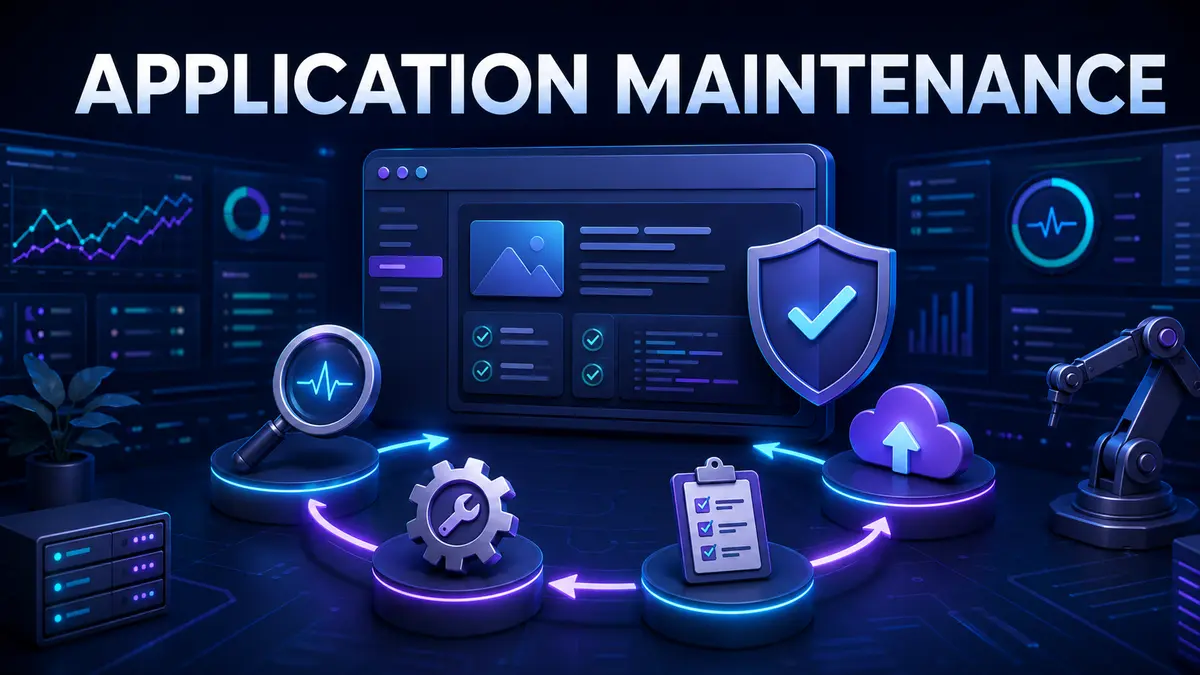
Application maintenance services keep business software reliable, secure and useful after launch. The work includes monitoring, incident resolution, defect fixes, security updates, performance tuning, dependency upgrades, small enhancements and operational documentation.
Maintenance should not be treated as an emergency repair budget. A structured service reduces preventable failures, protects institutional knowledge and creates a controlled way to improve software as business needs change.
Software operates inside a changing environment. Browsers, operating systems, cloud services, devices, regulations, security threats and user expectations continue to evolve. Even an application whose features never change may become slower, less secure or incompatible over time.
Business processes also change. New products, teams and integrations create requirements that were not present at launch. Maintenance keeps the application aligned with these realities.
Corrective work fixes defects that cause incorrect behavior, failures or poor user experience. Effective teams record the impact, reproduce the problem, identify the root cause and verify the fix.
Adaptive work keeps an application compatible with changes around it. Examples include browser updates, operating system changes, new API versions, infrastructure migrations and revised compliance requirements.
Perfective work improves performance, usability and business value. It may simplify a workflow, reduce page load time, improve reports or automate a repeated task.
Preventive work reduces future risk. It includes dependency updates, code cleanup, automated tests, monitoring improvements, backup verification and removal of obsolete components.
The exact mix depends on application criticality, architecture and business hours. A public ecommerce platform needs different coverage from an internal reporting tool.
Priority should reflect how an issue affects users, revenue, operations, data and compliance. A complete outage or security incident needs rapid escalation. A cosmetic problem can follow a normal queue.
Define acknowledgement, restoration and resolution targets separately. Restoring service may require a temporary workaround, while a permanent fix can take longer. Reports should show repeat incidents and overdue root-cause actions, not only ticket closure totals.
Monitoring should cover availability, errors, performance, infrastructure capacity, scheduled jobs, integrations and important business transactions. Alerts need named owners and clear response steps.
Too many low-quality alerts create fatigue. Review alerts regularly and remove noise. A useful alert explains what changed, how users may be affected and where the responder should begin investigation.
Security updates should follow a risk-based schedule. Internet-facing and critical vulnerabilities may require urgent action, while routine updates can enter a planned release cycle. Every change should be tested against application behavior.
Maintenance teams also need a current inventory of frameworks, packages, services and credentials. Unknown dependencies are difficult to patch. Access should use individual accounts, least privilege and prompt removal when team members change.
Technical debt is the future cost created by shortcuts, outdated components or weak architecture. Not all debt deserves immediate removal. The service owner should rank it by business risk, change frequency and operating burden.
A useful maintenance backlog combines incidents, security needs, reliability work and targeted improvements. Reserving regular capacity for preventive work stops urgent tickets from consuming the entire budget.
Small maintenance changes can still affect critical workflows. Each release should have a defined scope, review, test evidence, deployment plan and rollback method. Changes to data require particular care because reversal may be difficult.
Automated build and deployment steps improve consistency. Staging environments help teams test integrations and permissions before production. After release, monitor the affected workflow and record any unexpected behavior.
Runbooks should explain application architecture, environments, access, deployment, monitoring, common incidents and recovery. Decision records should capture why important changes were made. Documentation needs an owner and review schedule.
Knowledge transfer is especially important when a new provider takes over. The transition should include code access, credentials, vendor contacts, unresolved issues, known risks and live walkthroughs of critical operations.
A provider should offer more than ticket handling. Look for evidence of preventive thinking, root-cause analysis and clear communication. Our guide to choosing an enterprise software partner provides a broader evaluation framework.
Pricing may use a monthly retainer, service tier, fixed scope or time-based capacity. The right model depends on issue volume and how predictable the work is. A retainer can support continuous monitoring and preventive care, while time-based pricing may suit a stable low-use application.
Compare included hours, service coverage, monitoring tools, emergency work, release support and unused capacity rules. The lowest monthly price may exclude the preventive activities that reduce long-term cost.
Track availability, incident volume, restoration time, repeat incidents, deployment success, unresolved vulnerabilities, application performance and user satisfaction. Also measure improvement work such as automated test coverage, outdated dependencies removed and recovery tests completed.
Business measures matter too. Fewer interrupted orders, faster employee workflows and reduced manual correction can demonstrate value more clearly than technical activity alone.
Support helps users and responds to immediate issues. Maintenance includes broader technical work that keeps the application secure, compatible, reliable and improving over time.
Yes, and existing knowledge can be valuable. The service should still have documented scope, measures, access controls and continuity plans.
Update frequency depends on security risk, dependencies, usage and release complexity. Critical patches may be urgent, while routine changes can follow a planned cycle.
TechFusion Gear provides structured maintenance for websites and custom business applications. Explore our WordPress maintenance services or review our guide to custom software solutions. Contact our team to build a maintenance plan around your application’s risk, users and growth goals.