

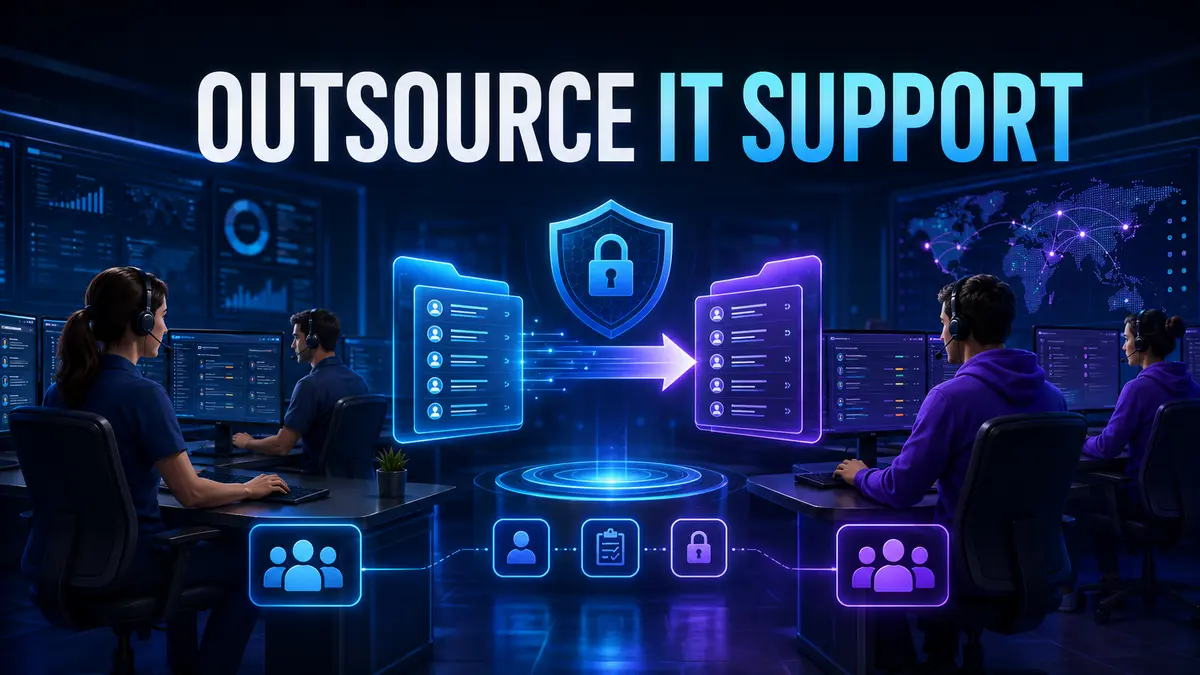
Outsourcing IT support can improve response times, broaden technical coverage and make operating costs more predictable. It does not require handing over every decision. The strongest arrangements separate service delivery from business ownership. A provider can run the support process while your company retains control of priorities, access, data, budgets and supplier performance.
The practical goal is simple. Give the provider enough access and authority to resolve issues quickly, but keep clear internal ownership of risk and outcomes. That balance begins before a contract is signed.
External support is often useful when an internal team is overloaded, specialist skills are difficult to retain, users need coverage outside normal working hours or recurring incidents are distracting people from strategic work. It can also help a growing company replace informal support with a documented service desk.
Outsourcing is less effective when the business has not defined what needs support. A provider cannot reliably manage an unknown mix of devices, applications, vendors and access rights. Start with an inventory of users, locations, endpoints, critical systems, recurring problems and current suppliers.
Every outsourced support arrangement needs an internal service owner. This person does not need to solve technical tickets. Their role is to approve priorities, review performance, coordinate business changes and hold the provider accountable.
The service owner should control the operating calendar, risk register and escalation path. They should also know who can approve privileged access, emergency changes and additional spending. Without this role, small exceptions quickly become permanent habits and accountability becomes unclear.
A good scope identifies users, devices, systems, locations, support hours and service boundaries. It should also describe what is not included. Common exclusions may cover major software projects, unsupported legacy systems, hardware replacement, third party subscription fees and on-site work outside an agreed area.
List the most important user journeys as well. New employee onboarding, password recovery, device replacement and urgent access removal deserve documented workflows. The contract should reflect real business activity rather than a generic list of technical tasks.
Security should be designed into the service model. Provider accounts should be individual, traceable and limited to the access needed for each role. Shared administrator accounts make auditing difficult and should be avoided where possible.
Ask how the provider secures its own staff, support tools and remote connections. Your security depends partly on their controls, not only on the safeguards inside your network.
A service level should describe measurable behavior. Useful measures include acknowledgement time, restoration target, resolution target, ticket age, reopened tickets, user satisfaction and recurring incident reduction. A single average response time can hide serious delays affecting a small number of critical users.
Classify issues by business impact and urgency. A company-wide outage deserves a different response from a minor formatting problem. Define who may declare a critical incident and how executives will receive updates while it is being resolved.
Monthly reviews should examine patterns as well as totals. Ten repeated tickets caused by the same defect may signal a maintenance problem that the help desk cannot solve alone. Our guide to WordPress maintenance services explains how preventive care reduces recurring website incidents.
A rushed transition creates avoidable risk. Allow time to verify the asset inventory, collect documentation, confirm licenses, establish monitoring and test escalation contacts. Existing unresolved tickets should be classified and assigned rather than disappearing during the change.
Run realistic tests before launch. Submit a normal request, a priority incident, an access request and an after-hours emergency. Confirm that notifications reach the right people and that every action leaves an audit trail.
Per-user and per-device pricing can be predictable when the environment is standardized. Time-based pricing may suit irregular specialist work. A fixed managed service can work well when scope, service hours and responsibilities are stable.
Compare the assumptions behind each quote. A low headline fee may exclude onboarding, after-hours support, projects, travel, security tools or vendor coordination. Ask for examples showing when additional charges apply and who must authorize them.
A provider should answer these questions with specific processes and evidence. Vague assurances are difficult to govern after the contract begins. If you are comparing broader technology partners, this guide to choosing an enterprise software partner offers a useful evaluation framework.
During the first month, focus on access, documentation, ticket routing and communication. During the second month, stabilize recurring requests and confirm service reporting. During the third month, identify root causes and agree an improvement backlog.
Do not judge the arrangement only by how many tickets were closed. Look for fewer repeat incidents, faster employee onboarding, better security records and clearer ownership. These outcomes show whether support is becoming a managed business capability.
Yes, but the business should still retain an internal owner for priorities, risk, budget and provider performance. Outsourcing tasks does not outsource accountability.
The right period depends on environment size and documentation quality. A controlled transition should include discovery, access setup, knowledge transfer, workflow testing and a defined go-live period.
Business priorities, data ownership, risk acceptance, budget approval and the right to grant privileged access should remain with the company.
TechFusion Gear helps businesses document technology environments, improve support workflows and build reliable digital operations. Review our IT solutions for small businesses or contact our team to discuss a support model that protects control while improving day-to-day service.