

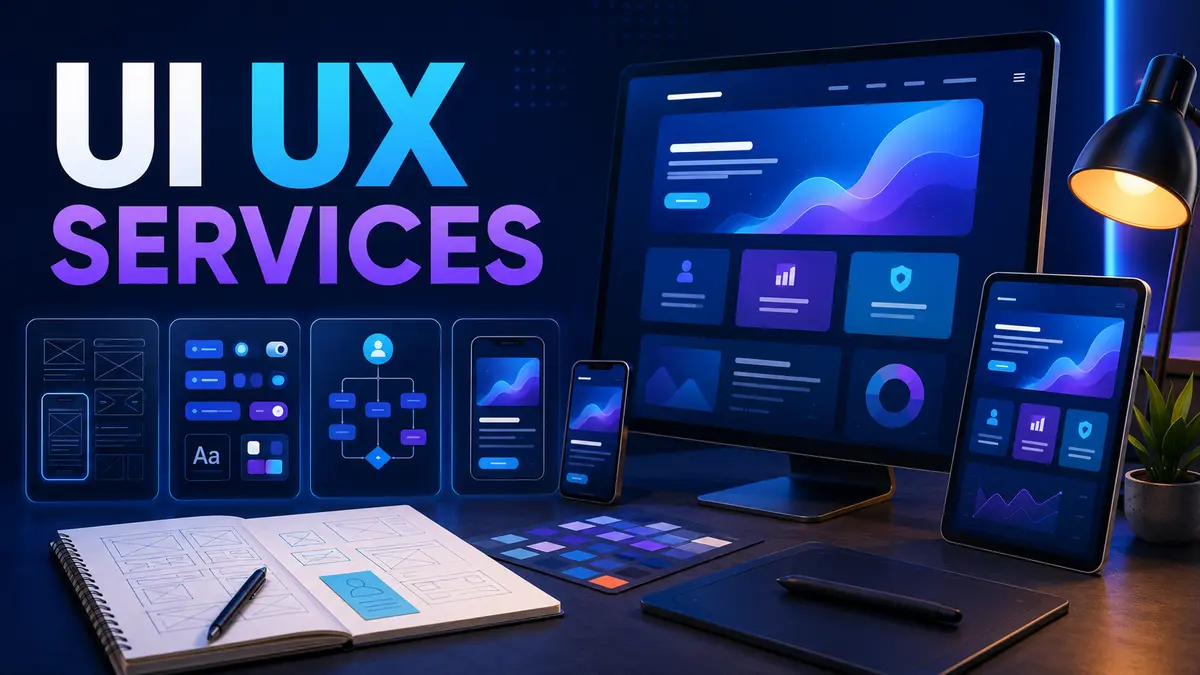
UI UX services help businesses design digital products that are understandable, efficient and visually consistent. User experience work focuses on user needs, structure, workflows and usability. User interface work focuses on the visual and interactive elements people use to complete those workflows.
The two disciplines work best together. A polished screen cannot repair a confusing process, while a logical flow still needs clear controls, feedback and visual hierarchy.
The exact service depends on product maturity. A new product may need end-to-end discovery and prototyping. An existing product may need a usability audit, conversion improvement or design-system consolidation.
Design should connect user goals with business results. Define what users need to complete and why that behavior matters. Possible outcomes include faster onboarding, fewer errors, more completed purchases or reduced support demand.
A design partner should ask for evidence rather than relying only on stakeholder opinion. Useful sources include interviews, support tickets, analytics, sales feedback and observation of current workflows.
Research does not always require a large study. Focused interviews and task observation can reveal vocabulary, motivations and obstacles. Existing analytics may show where users leave or repeat actions.
The partner should explain which questions each research activity will answer. Research should guide decisions, not become a decorative report that is never used.
Information architecture organizes content and features so people can find what they need. User flows show the steps required to complete a task and the decisions encountered along the way.
Review important flows before visual design. Account creation, checkout, booking, search, approval and error recovery deserve particular attention. Removing an unnecessary step often creates more value than redesigning its appearance.
Wireframes describe structure and priority without final visual detail. They make it easier to compare alternatives quickly. Interactive prototypes allow users and stakeholders to experience the sequence before development.
A prototype should test uncertain behavior. It does not need to simulate every screen. Focus on critical tasks, unusual interactions and areas where the business has competing assumptions.
Interface design uses typography, color, spacing, imagery and components to create hierarchy and feedback. Every control should communicate what it does, what state it is in and what happened after interaction.
Brand expression should support usability. Contrast, readable text and familiar patterns matter more than visual novelty when users need to complete important tasks.
A design system defines reusable components and rules for creating interfaces consistently. It may include buttons, fields, navigation, tables, messages, typography and layout patterns.
Systems reduce repeated design and development work, but they need governance. Name who approves new components, how versions are communicated and how accessibility is checked.
Accessible design supports users with different vision, hearing, mobility and cognitive needs. It also improves clarity for people using small screens, poor connections or temporary limitations.
Usability testing observes people attempting realistic tasks. The goal is to find where the design creates confusion, hesitation or failure. A small number of well-selected participants can identify important patterns.
Record findings by severity and evidence. Retest important changes rather than assuming the revised design solved the problem.
Handoff should include organized design files, component behavior, responsive rules, assets and interaction notes. Designers and developers should review implementation together because some decisions become clearer in working software.
A design partner that understands technical constraints can suggest practical alternatives without losing the user outcome. Our guide to choosing an app programming company explains how product design fits the wider delivery process.
A portfolio should show clear thinking, not only attractive visuals. TechFusion Gear’s graphic design services guide provides related guidance for brand and marketing design.
Pricing may be fixed by project, based on time or organized as retained design capacity. Compare the number of workflows, platforms, research activities, prototype depth, testing and design-system requirements.
Clarify what counts as a revision and what happens when product scope changes. The best estimate states assumptions and decision points.
UX covers the broader journey and usability. UI covers the visual and interactive layer through which users experience that journey.
Yes. Research, analytics and testing can identify friction, then targeted design changes can improve important workflows without rebuilding everything.
Important workflows and architecture should be explored early, but design and development often collaborate throughout delivery as the team learns.
TechFusion Gear designs websites, mobile products and business applications around clear user journeys and maintainable components. Contact our team to audit an existing product or plan a new experience.