

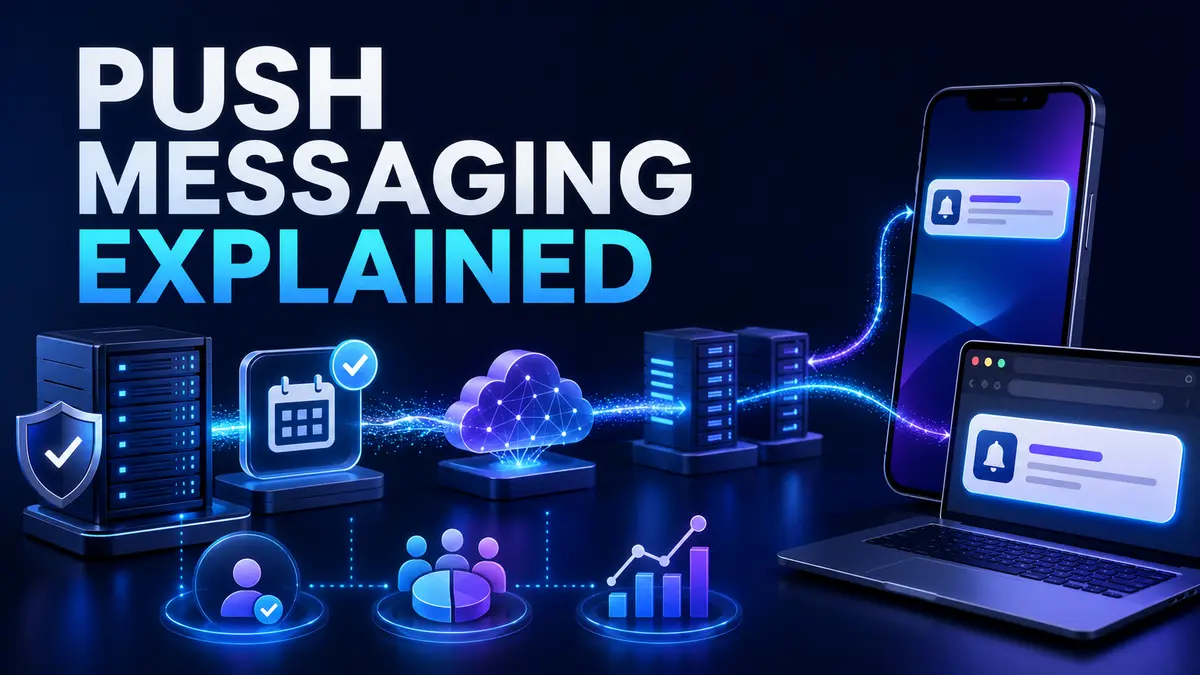
Quick answer Push messaging is a way for an application or website to send a short message to a user’s device after permission and registration. A backend creates the message, a platform delivery service routes it and the operating system or browser presents it. Good push messaging is timely, relevant, secure and easy to control.
People who ask to define push messaging are often comparing it with email, SMS or in application messages. Push can reach users outside an active session, but delivery and display depend on permission, device settings, platform behavior and connectivity.
The application asks for permission at an appropriate moment. After approval, the device or browser creates a registration that allows the service to address that installation. The application backend stores the identifier securely.
When an approved event occurs, the backend sends a payload through a platform push service. The device receives the event and displays a notification or lets the application process it according to platform rules.
Mobile push is integrated with Android and iOS notification systems. Web push uses browser capabilities and service workers. The MDN Push API reference explains the browser interfaces used to receive messages through a push subscription.
A service worker can receive events when the web page is not open. The MDN service worker guide describes service workers as intermediaries between a web application, browser and network.
Devices can be offline, registrations can expire and users can disable notifications. Operating systems may delay or group messages. Do not use push as the only record of a critical transaction.
Store important information inside the application and let push alert the user. Track delivery attempts where the platform provides signals, but do not assume that display means the user read or understood the message.
Permission prompts shown immediately often lack context. Explain what messages the user will receive and why they help. Ask after a relevant action such as following an order, setting a reminder or enabling security alerts.
Respect rejection. The product should remain useful without push unless notifications are essential to a clearly explained service. Provide settings for message categories and frequency.
A push message should state what happened and what the user can do. Keep wording clear and avoid vague promotional urgency. The destination after a tap should match the message.
Send messages based on permission, preferences, product state and relevant behavior. A user who completed an action should not receive reminders to begin it. Transactional and security messages should remain separate from marketing choices.
Keep segmentation understandable and auditable. Complex rules can create unexpected messages or exclude people who need important information.
More messages do not automatically create more engagement. Track opt outs, disabled permissions and application removal alongside opens and conversions. Use quiet hours and user time zones where appropriate.
Events should be deduplicated and prioritized. Delay tolerant marketing does not need the same treatment as account security. Define expiration so stale messages are not shown after they lose value.
Registration identifiers should be protected and associated with the correct account and device. Remove old registrations during logout, account deletion or delivery failure. Authorize every action opened from a notification.
A deep link is not proof of identity. Sensitive screens still need authentication and server side permission checks. Avoid placing private details in notification text that can appear on a lock screen.
The backend should create messages from trusted business events, apply user preferences, deduplicate and send through the correct channel. Use queues and retry rules so a temporary provider error does not block the main transaction.
Record message type, recipient decision, send result and relevant outcome without collecting unnecessary personal data. Our mobile app backend development guide explains reliable server design.
Test on real devices because operating systems and browsers handle notification behavior differently.
Track permission rate, delivery signals, open rate, completed action, opt out and disablement. The most important measure depends on the message. A security alert may be successful when the user reviews activity, while an order update may reduce support enquiries.
Use controlled experiments carefully and protect essential messages from marketing optimization. Customer trust is a long term metric.
Email works well for detailed and searchable communication. SMS can reach a phone number without an installed application but has cost and consent considerations. In application messaging appears while the user is active. Push is strongest for timely short prompts connected to an application experience.
Use channels together according to importance and user preference. Avoid sending the same message everywhere without a reason.
Delivery generally requires connectivity. A platform may hold a message temporarily and deliver it when the device reconnects, depending on expiration and platform behavior.
They can display on a lock screen, so sensitive details should usually remain inside the authenticated application.
Platform delivery may not charge per ordinary message, but development, infrastructure, analytics and provider services still create cost.
TechFusion Gear helps businesses design secure mobile and web messaging workflows connected to reliable backend services. To plan permissions, delivery and measurement, contact TechFusion Gear.