

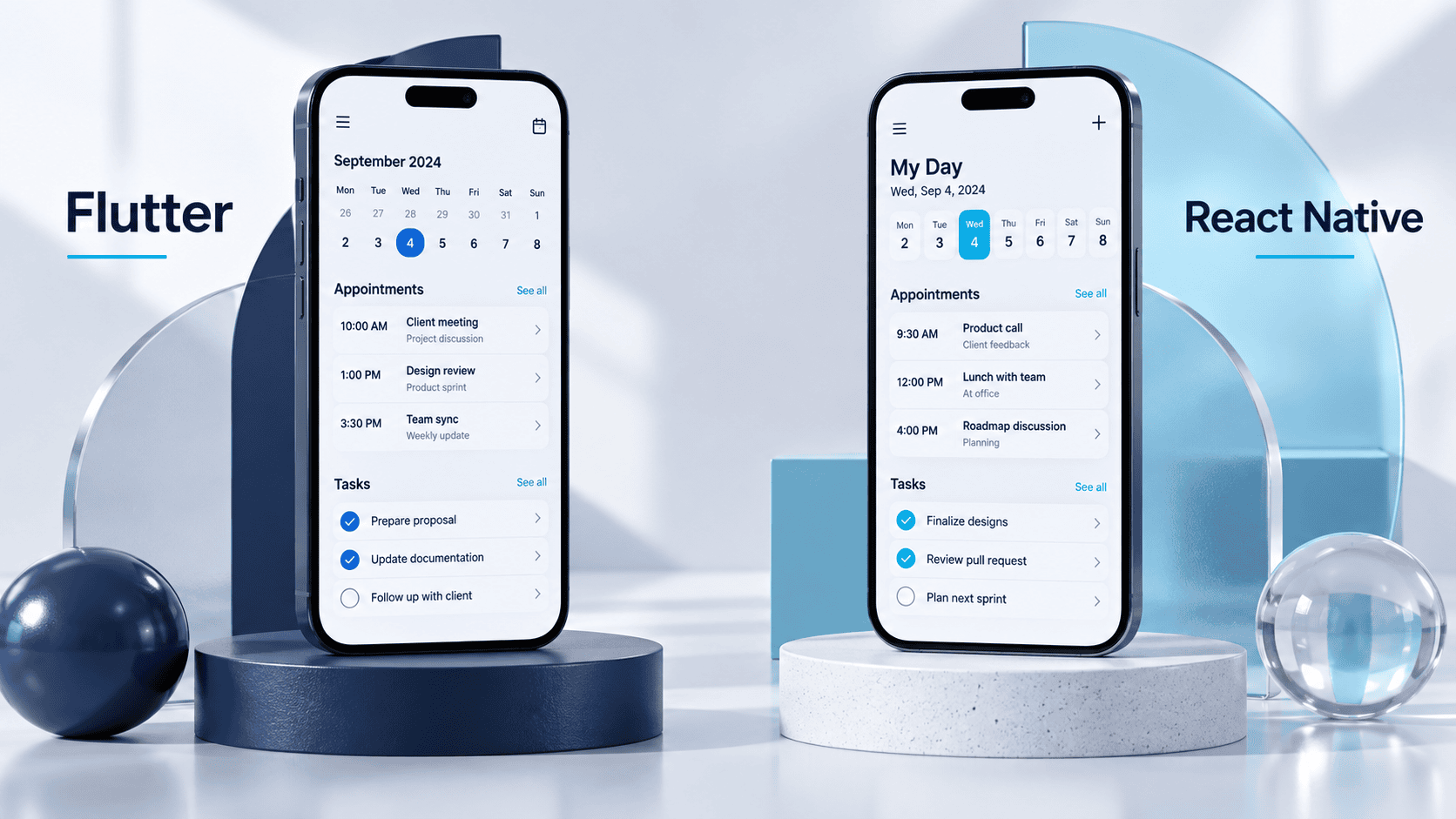
Flutter can be a strong fit when you want a highly customized interface and a team comfortable with Dart. React Native can be a strong fit when your team already works with React and JavaScript or TypeScript. Neither is automatically cheaper, faster or better for every app.
For US founders evaluating Flutter vs React Native, the decision should start with the product’s hardest workflow, the people who will maintain it and the integrations it depends on. A familiar framework with a capable team can be a better investment than a theoretically attractive alternative that nobody on the project knows well.
This guide compares the two for Android and iOS business apps and gives you a practical way to assess proposals before committing to a build.
| Factor | Flutter | React Native |
|---|---|---|
| Main application language | Dart | JavaScript or TypeScript with React |
| Interface approach | Flutter widgets and its rendering system | React components with native platform integration |
| Team advantage | Existing Dart and Flutter experience | Existing React experience, plus mobile development knowledge |
| Custom design | Strong control over a consistent visual system | Custom designs are possible; assess component and native requirements |
| Device features | Plugins and custom platform integration | Libraries and custom native modules or components |
| Shared code | Can share substantial app code across platforms | Can share substantial app code across platforms |
| Cost decision | Depends on scope, team, dependencies and support | Depends on scope, team, dependencies and support |
| Performance decision | Test representative builds on target devices | Test representative builds on target devices |
A shared codebase does not eliminate platform-specific work. Permissions, notifications, purchases, device behavior and store releases still need attention on both Android and iOS.
Flutter is a cross-platform UI toolkit. Its application framework uses Dart, and developers compose interfaces from widgets. Flutter controls much of the rendering of those widgets rather than simply wrapping every operating-system control.
This can suit a product with a distinctive visual system across platforms. It does not mean platform conventions, accessibility or native integrations take care of themselves. Review the Flutter architecture documentation for its rendering and platform-integration model.
React Native uses React to describe application interfaces and connects with native platform capabilities. React knowledge can help a web team get started, but mobile navigation, application lifecycle, permissions and release engineering still require specific experience.
If the names are confusing, our React Native vs ReactJS guide explains why a React website and a React Native mobile app are not interchangeable.
Do not choose from an unsourced claim that one framework is always faster. App responsiveness depends on implementation, device hardware, network conditions, data volume, images, animations and third-party code.
React Native’s New Architecture also makes comparisons based only on the old JavaScript bridge incomplete. Its architecture documentation describes changes to communication between JavaScript and native code. That is a reason to check the assumptions behind benchmarks, not a reason to assume every React Native app is automatically faster.
Ask a prospective team to demonstrate a representative workflow and record:
Use comparable build modes and devices. React Native’s performance guidance warns that development-mode behavior can differ from release builds. Flutter’s performance best practices describe profiling and implementation considerations. A development preview on an engineer’s laptop is not a useful substitute for device testing.
There is no dependable universal price difference between Flutter and React Native. A framework choice may reduce some work while increasing other work, especially if the required SDK or the future maintenance team favors one option.
Request an itemized USD estimate with the same scope for both approaches. Include discovery, interface design, mobile engineering, backend work, integrations, testing, release preparation and support.
Pay particular attention to these cost drivers:
A proposal claiming a fixed percentage saving from shared code should explain its assumptions. Sharing business logic does not remove the backend, design process or Android and iOS testing.
List the services and device capabilities that the first release must support. Payments, identity providers, maps, analytics, Bluetooth hardware and industry-specific SDKs can affect the amount of native work required.
For each critical dependency, ask the team to check supported operating systems, release activity, known limitations, licensing and compatibility with its proposed framework version. A package name on a slide is not proof that the full workflow works.
React Native’s native platform guidance distinguishes current native APIs from legacy ones and discusses library compatibility. Flutter also provides ways to connect application code to platform services. In either framework, a missing integration may require native expertise and an ongoing support commitment.
If one integration could invalidate the project, test it first. Our PoC vs prototype vs MVP guide explains when a focused technical experiment is the right next step.
These are illustrative decision scenarios, not Techfusion Gear client case studies.
React Native deserves an early evaluation because the team can reuse React concepts and potentially some non-UI logic. Do not assume an existing web interface can be copied directly into the app. Ask who will own native debugging, device testing and releases.
Flutter deserves an early evaluation if the team has the skills to implement and maintain that design. Build the most demanding interaction first and test it on realistic devices. React Native can also support custom interfaces, so use the prototype to compare actual effort and quality.
Start with integration evidence rather than a framework preference. If support is incomplete, compare the cost of custom native integration with a native application approach. A cross-platform framework is not a requirement for every product.
Prefer the capable team’s proven stack if both frameworks meet the requirements. Keep the first release focused on a useful outcome. Changing technologies for hypothetical future features can delay the learning the MVP is intended to produce.
Evaluate the next year of ownership before signing the initial build agreement. Framework updates, operating-system changes and third-party service changes can all require engineering work.
Ask the team to document:
For a US business working with an international development team, agree on meeting overlap and incident-response expectations in named time zones. A shared framework cannot compensate for unclear support ownership.
Our mobile app development process guide shows how planning, testing and post-launch improvement fit together.
A short written decision is more useful than a popularity contest. It also gives a future developer context when requirements change.
Neither is better for every project. Compare your team’s experience, interface requirements, native integrations, testing results and maintenance plan.
It may be for a team already experienced in React Native, but there is no automatic saving. Compare equivalent deliverables and operating responsibilities rather than framework labels.
Yes. Both support mobile development for Android and iOS, with platform-specific configuration, integration work and testing where needed.
Do not assume complete reuse. Some code can be shared, while permissions, platform behavior and native integrations may require separate implementations.
Only if a documented problem justifies the migration cost and risk. First evaluate whether targeted improvements can solve the issue in the existing app.
The better choice is the one that meets the MVP’s requirements with a team able to build, test and maintain it. Validate risky integrations before committing to the full release.
Flutter and React Native can both serve a business app. Start with requirements, test the difficult parts and compare the full delivery plan. Leave the decision meeting with evidence and clear ownership.
Techfusion Gear offers Flutter app development. Share your app’s core workflow and integration requirements to discuss the scope and whether Flutter fits your project.