

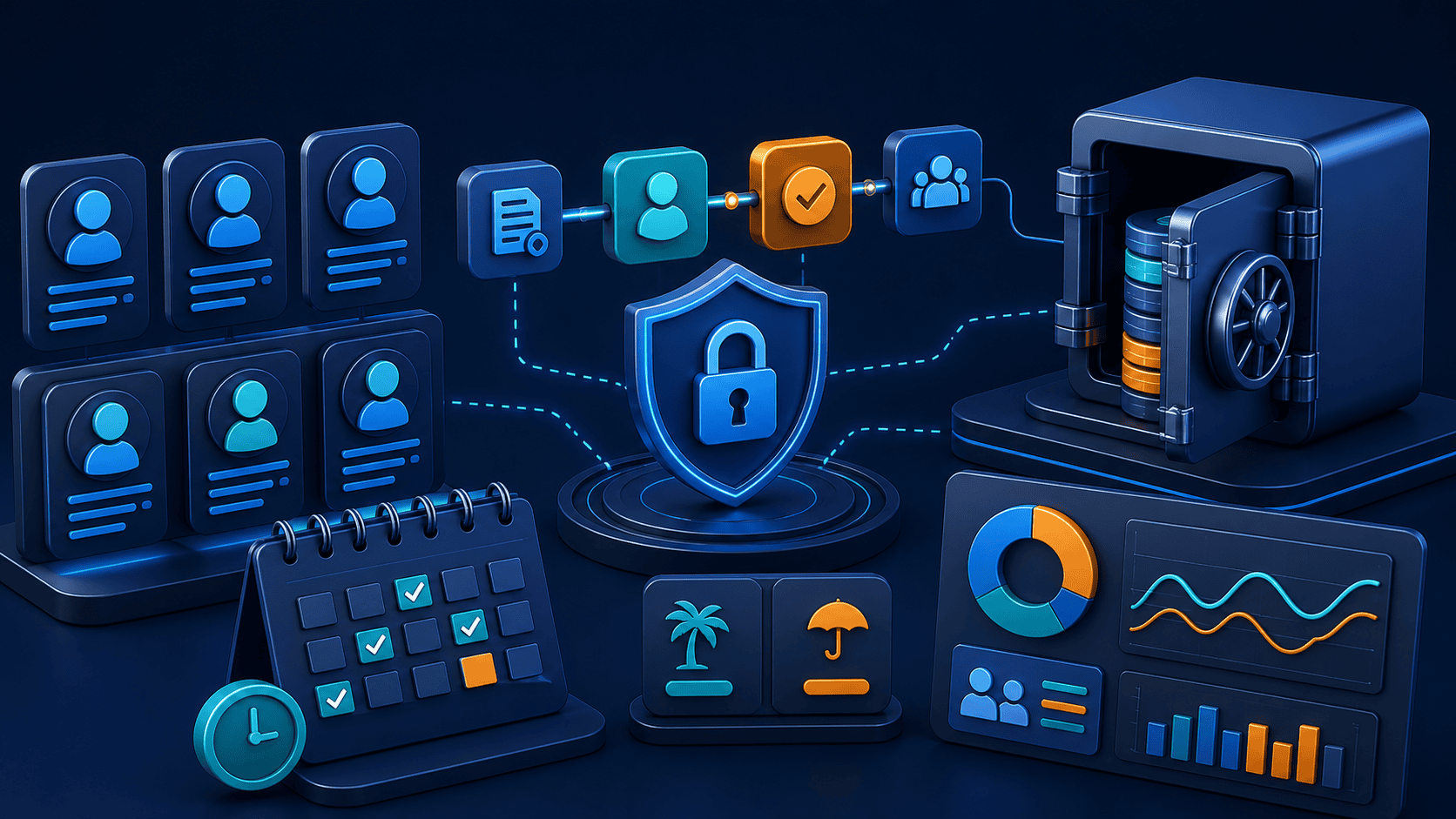
HRMS software development creates a system for managing employee information and people operations in one controlled place. The right solution can help a business handle employee records, onboarding, attendance, leave, approvals, documents, reporting, and integrations with less manual work and fewer disconnected spreadsheets.
An HRMS is not valuable because it contains the largest number of modules. It is valuable when it makes the important work simpler for employees, managers, and HR teams while protecting sensitive information and giving the business trustworthy data for decisions.
Human resource management software can support the employee journey from joining through role changes, performance processes, and exit steps. The first scope should reflect the organisation’s real process rather than a generic checklist.
Not every business needs every module in version one. Start with the workflows creating the most delay, duplication, data uncertainty, or employee frustration.
Ready-made HR platforms are often a strong choice when an organisation follows common processes and needs a fast implementation. Custom HRMS software development becomes more useful when the business has unique approval structures, several locations, special shift or compliance workflows, existing systems that must connect, or reporting requirements that generic tools cannot meet well.
| Situation | Often the better starting point |
|---|---|
| Common HR processes with limited configuration needs | Ready-made HR software |
| Distinct multi-level approvals, custom roles, or unusual workflows | Custom or heavily tailored solution |
| Several internal systems that must share employee data | Integration-led custom scope |
| A new workflow with uncertain user needs | Focused MVP before a full platform |
The decision is not permanent. Many organisations begin with a focused internal module or an integration layer before expanding into a wider HR platform.
Before choosing screens or technology, map who does what today. Follow a leave request, a new-joiner process, a shift change, or an employee record update from start to finish. Note where information is duplicated, where approvals stall, who needs visibility, and which data must remain restricted.
A useful discovery brief should define users, responsibilities, data ownership, important exceptions, integrations, reporting needs, and success measures. It should also identify work that belongs in the product and work that should remain with HR policy, payroll specialists, or legal advisers.
HR systems contain personal and operational information. Access should be role-based, sensitive data should be minimised and protected, and important changes should be traceable. Define how accounts are provisioned and removed, where documents are stored, how integrations authenticate, and who can export reports.
Data-retention, payroll, tax, employment, and privacy requirements vary by organisation and location. Confirm the applicable requirements with the appropriate internal and professional advisers; software design should support those decisions rather than make legal assumptions.
Integrations can create more value than another screen, but they also add failure paths. Typical connections include identity providers, payroll systems, biometric devices, accounting tools, communication channels, document storage, and analytics. For each integration, document the source of truth, data mapping, permissions, failure handling, sync timing, and operational owner.
A broad HR platform can take a long time to validate. A focused first release might solve employee self-service and leave approvals, onboarding tasks, or a specific workforce-management problem. The objective is to deliver a complete useful journey and learn from real users before adding secondary modules.
Our MVP development guide explains how to reduce scope without reducing the value of the first release.
HRMS software development works best when it begins with a clear operational problem, a secure data model, and a focused first release. Avoid trying to recreate every module of a large HR suite before proving that the new workflow helps employees and HR teams work better.
Techfusion Gear helps businesses plan and develop custom software, workflow automation, internal portals, and integrated digital products. Explore our custom software development services to discuss a practical HRMS or internal-operations project.