

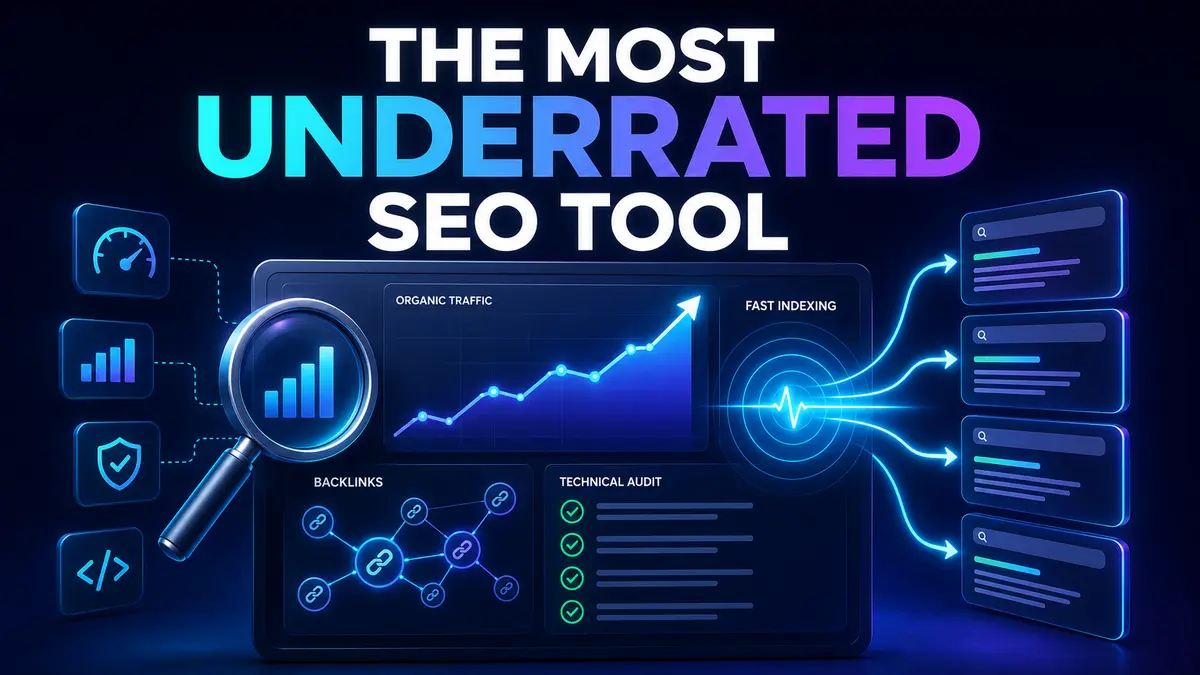
Short answer: Bing Webmaster Tools is arguably the most underrated digital marketing and SEO tool available in 2026.
Google Search Console is essential, and paid platforms such as Semrush and Ahrefs are powerful. But Bing Webmaster Tools (BWT) sits in a rare position: it is free, easy to set up, and combines search-performance reporting, keyword research, backlink analysis, technical SEO auditing, URL inspection and fast content discovery through IndexNow.
Most marketers either ignore it or treat it as “Google Search Console for Bing.” That description misses its real value.
The verdict: Bing Webmaster Tools has one of the largest gaps between what it costs—nothing—and how much actionable SEO intelligence it provides. That is what makes it truly underrated.
Bing Webmaster Tools is Microsoft’s free platform for monitoring how a website is discovered, crawled, indexed and displayed across Bing’s search ecosystem. It provides first-party search data alongside diagnostic and research tools that can support technical SEO, content strategy and competitor analysis.
Microsoft’s official feature overview highlights search-performance history, prioritized recommendations, URL inspection, keyword research, backlink insights, Site Explorer, Site Scan, robots.txt testing, sitemap monitoring and IndexNow integration—all inside one platform.
Google’s reach naturally makes Google Search Console the first tool most teams install. The mistake is assuming that a Google-first strategy must be a Google-only strategy. Different search engines provide different crawl data, keyword signals and diagnostic perspectives. A second first-party data source can reveal opportunities that one dashboard alone may not show.
Some professionals remember it as a basic webmaster portal. The current product is much broader. It now combines monitoring, research and technical auditing features that would normally require several separate free or paid tools.
The platform is useful even when Bing is not your largest traffic source. Broken links, duplicate metadata, crawl blocks, weak backlinks and content gaps are website problems—not Bing-only problems. Finding and fixing them can strengthen the overall quality of your site.
BWT reports impressions, clicks and average positions across pages and queries. Microsoft states that the platform can provide up to 16 months of search-performance data. This makes it useful for identifying seasonality, comparing year-over-year visibility and finding pages that are gaining impressions but not clicks.
Practical use: Filter for high-impression, low-click queries. Improve the relevant page title, meta description and search-intent alignment before creating another article on the same topic.
Many free webmaster tools only report the queries for which your site already appears. Bing Webmaster Tools also provides keyword-research capabilities, including related searches, trending terms and long-tail opportunities.
Practical use: Start with one commercial topic, review related queries, group them by intent and turn the strongest cluster into a pillar page with supporting articles.
BWT can show referring domains, anchor text and backlink profiles. Microsoft also highlights the ability to review link insights for competitors, which makes this feature useful for more than basic monitoring.
Practical use: Compare your domain with a close competitor, identify websites linking to them but not to you, and prioritize realistic partnership, directory, PR or guest-content opportunities.
The Site Scan tool crawls your website and flags issues such as broken links, duplicate tags and missing metadata. This does not replace a full enterprise crawler for a complex website, but it gives small and medium-sized businesses a valuable technical health check without another subscription.
Practical use: Run a scan after a redesign, migration, theme update or major content upload. Fix critical crawl and indexation issues before polishing minor on-page recommendations.
URL Inspection helps you review indexing status, crawlability, HTTP responses and blocked resources for individual pages. It is especially useful when an important page is published but does not appear in search as expected.
If you are troubleshooting similar issues in Google, our guide to Crawled – Currently Not Indexed explains how to investigate content quality, duplication, rendering and index selection.
IndexNow is an open protocol that lets a website notify participating search engines when a URL is added, updated or deleted. Instead of waiting for a crawler to discover a change, the website sends a direct notification so supported engines can prioritize crawling the affected URL.
This is particularly valuable for news sites, ecommerce stores, job portals, frequently updated service pages and any website where freshness matters. WordPress users can implement it with a supported plugin, while custom websites can use the API.
Important: IndexNow improves discovery; it does not guarantee crawling, indexing or rankings. Content quality, accessibility, canonicalization and search demand still matter.
Site Explorer shows how Bing understands your website structure and helps surface indexed pages, crawl blocks and error responses. BWT also includes sitemap reporting, robots.txt testing and crawl controls. Together, these tools give technical teams a clearer picture of whether search engines can efficiently reach important content.
This should not be an either-or decision. The smartest setup uses both tools because each provides first-party information from a different search ecosystem.
| Area | Bing Webmaster Tools | Google Search Console |
|---|---|---|
| Primary data source | Bing search ecosystem | Google Search |
| Performance analysis | Queries, pages, clicks, impressions and positions | Queries, pages, clicks, impressions, CTR and positions |
| Technical auditing | Built-in Site Scan plus recommendations | Indexing, experience and enhancement reports |
| Keyword discovery | Built-in keyword research and related opportunities | Queries for which your property appears |
| Backlink research | Own-site and competitor link insights | Links reported for your property |
| Fresh-content discovery | URL submission and IndexNow | Sitemaps and URL Inspection indexing requests |
Best practice: Use Google Search Console to understand Google visibility, Bing Webmaster Tools to expand first-party insight and technical diagnostics, and analytics software to measure what visitors do after they arrive.
Repeat this workflow monthly. For an active publisher or ecommerce site, review IndexNow reporting and URL inspection more frequently.
No SEO tool provides a complete view. BWT should not replace Google Search Console when Google is important to your business, and its data will naturally reflect Bing rather than the entire web. Site Scan is useful, but large or technically complex websites may still need a dedicated crawler. Backlink databases are never perfect, and metrics from different platforms should not be compared as if they were identical.
Most importantly, submitting a URL does not force a search engine to index or rank it. Search engines still evaluate accessibility, uniqueness, quality, relevance and many other signals.
Yes. If your website depends on organic visibility, Bing Webmaster Tools deserves a place in your SEO stack.
It is free, fast to configure and unusually broad. Keyword discovery supports content marketing. Backlink insights support outreach. Site Scan and URL Inspection support technical SEO. IndexNow supports faster discovery of changes. Performance reporting helps teams prioritize work using first-party search data.
That combination is why Bing Webmaster Tools is our choice for the most underrated digital marketing and SEO tool in 2026.
Yes. Website owners can use Bing Webmaster Tools without a paid subscription after adding and verifying their website.
No. Use both. Each platform reports data and indexing information from its own search ecosystem, so combining them produces a more complete view.
It does not provide Google ranking data or directly control Google rankings. However, technical issues and content opportunities discovered in BWT may improve the overall health and usefulness of your website.
No. IndexNow notifies participating search engines that a URL changed. It can speed up discovery, but each search engine still decides whether to crawl, index or rank the page.
SEO professionals, content marketers, website owners, agencies, ecommerce teams and developers can all benefit—especially teams that want more first-party insight without adding another paid tool.
Reviewed and updated: July 2026.
Want a practical SEO strategy for your business? Explore TechFusion Gear’s SEO services for technical SEO, content planning and search-visibility support.