

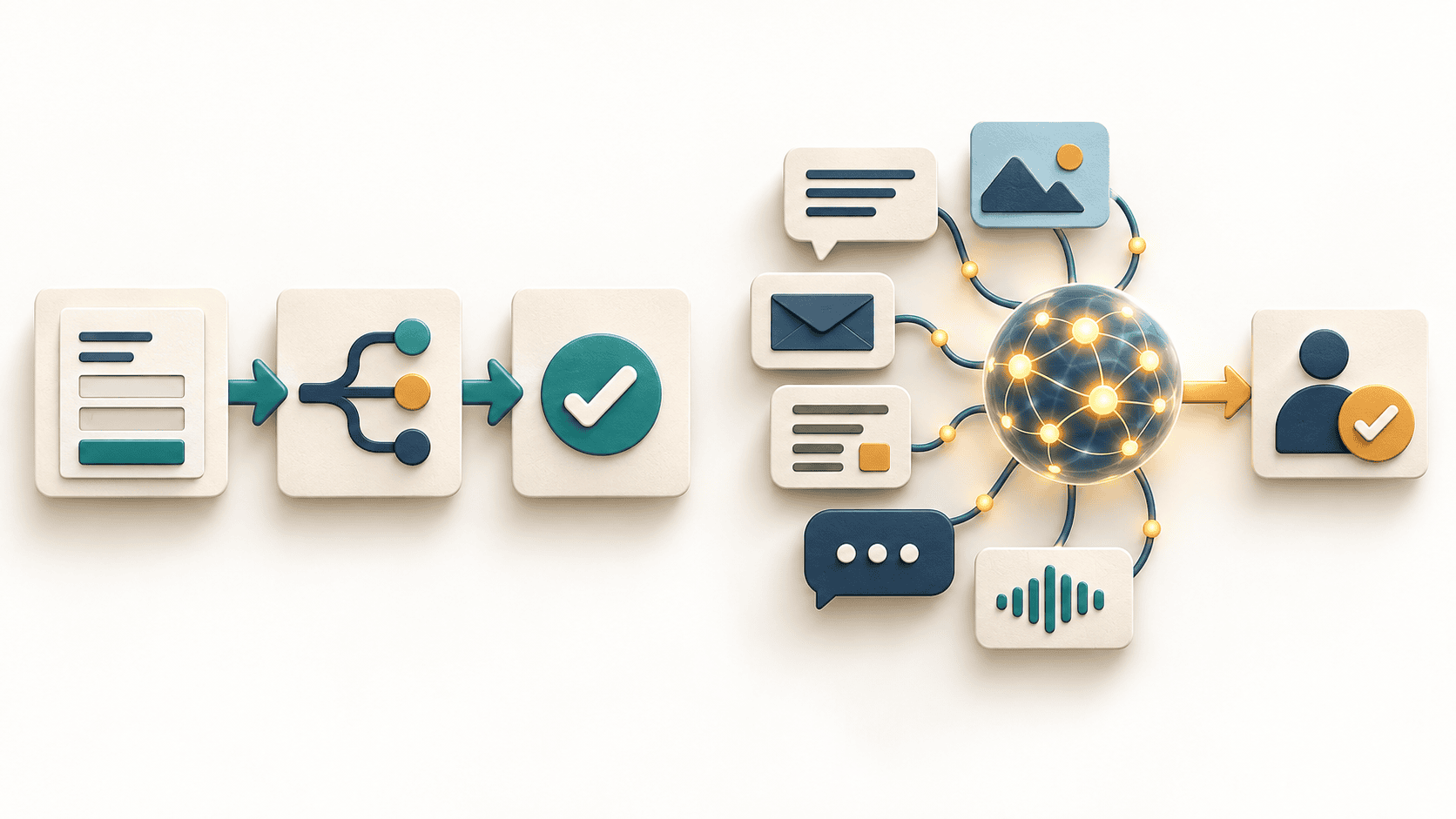
Choose rules-based automation when you can define the inputs, decisions and exceptions clearly. Consider AI assistance when useful work depends on interpreting variable text or documents. Use neither yet when the underlying process is unclear or the task happens too rarely to justify the setup.
That is the practical starting point for AI vs automation in a small business. The decision is not which technology sounds more advanced. It is which approach completes a specific job with an acceptable level of effort, cost and risk.
This guide compares the same customer-inquiry workflow three ways, provides a cost worksheet and shows how to run a pilot before committing to a larger implementation. The examples and numbers are illustrative, not Techfusion Gear client results or vendor price quotes.
Automation means using technology to carry out work with less manual intervention. In this comparison, rules-based automation means a defined sequence such as “when this form arrives, create a CRM record and assign it to the selected department.”
AI assistance adds a model to tasks such as interpreting a free-text inquiry, extracting proposed fields or drafting a response. Its output needs evaluation; a plausible answer is not automatically a correct one.
The categories overlap. A workflow can use ordinary software for routing and validation, an AI model for a narrow interpretation step, and a person for approval. Using AI does not mean handing the entire operation to an autonomous agent.
If you need the distinction between content generation and systems that take actions, see our agentic AI vs generative AI guide. Here, the focus is the business decision about what to implement.
Imagine a small US service business receiving inquiries about new projects, existing orders and support. Someone reads each message, creates or updates a customer record, assigns an owner and prepares the next response. The goal is reliable handling, not simply producing a reply faster.
Use a shared intake queue, a short form with the necessary fields, approved reply templates and a named person responsible for unassigned requests. Write down how to recognize duplicates and when to escalate a request.
This is a sensible starting point when volume is low or the team has not agreed on the process. It also gives you a baseline: how long a request takes, where errors occur and which steps are genuinely repetitive.
What to test: can two staff members follow the instructions and reach the same routing decision? If not, resolve the ambiguity before paying to encode it in software.
Add a required inquiry-type field to the form. Route “existing order” to support and “new project” to sales. Create a follow-up task if no owner acknowledges the request within the agreed period. Send incomplete or conflicting records to a review queue.
The workflow follows explicit rules. It does not need to infer intent from every message. Your existing CRM may already support the necessary fields, assignments and reminders; check that before commissioning new software. Our CRM guide explains the underlying role of customer records and workflows.
What to test: missing fields, repeat submissions, changed customer details and an unavailable destination system. Agree how the system identifies a duplicate and how a person can recover a failed submission.
If most inquiries arrive as varied emails, an AI-assisted step could suggest an inquiry category, summarize the request and draft a reply from approved information. A person reviews the suggestion before sending it or approving a consequential action.
Keep the reliable parts as ordinary software: required-field checks, record identifiers, permission checks and the rules governing who may approve a refund or a quotation. Interpretation and authorization are different responsibilities.
What to test: messages containing multiple requests, ambiguous language, conflicting order references and instructions embedded in customer text. Treat incoming text as information to process, not permission to override the workflow.
Do not assume every task needs an agent. Anthropic’s engineering guidance recommends starting with the simplest workable approach and adding complexity only when justified; it also identifies cost, latency and error risks in more autonomous designs. See Building effective agents.
These questions are a planning aid, not a universal scoring system. A workflow with frequent exceptions may still suit rules-based software if those exceptions can be defined and handled explicitly.
Do not calculate savings by multiplying the old handling time by the number of requests and assuming all of it disappears. Include the time spent reviewing results, correcting mistakes, dealing with failures and maintaining the workflow.
Use this calculation:
Net hours released per month = current monthly handling hours − new handling and review hours − additional correction hours − monthly maintenance hours.
Keep the categories separate to avoid counting correction time twice. Also record one-time implementation effort, recurring software charges, usage fees and any external support costs.
Suppose a business handles 200 inquiries per month, spending six minutes on each. That is 20 hours of current monthly handling time. The following are assumptions for comparison, not expected outcomes:
At an illustrative internal labor value of $30 per hour, the capacity released is worth $240 for the rules-based option and $250 for the AI-assisted option. Assume recurring tool charges of $40 and $120 respectively. That leaves $200 versus $130 in monthly modeled benefit before setup and other costs.
If one-time setup is assumed to cost $600 for the first option and $1,200 for the second, the simplified payback is three months versus about 9.2 months. This calculation excludes financing, taxes and any unlisted costs, and assumes the monthly benefit actually materializes.
The AI option is not the winner in this example merely because its per-inquiry review time is lower. Different measured inputs could reverse the result. Hours released are also not automatically cash savings: the benefit may be additional capacity rather than a smaller payroll.
Complete one worksheet per workflow, rather than one for the entire business:
Ask providers to quote against the same task and boundaries. A proposal that includes ongoing support is not directly comparable to a one-time build that leaves monitoring and repairs to your team.
Start with a bounded task and a representative sample of permitted data. Remove unnecessary personal or confidential information, and verify that the proposed tools and provider arrangements meet your business’s data-handling requirements.
Choose thresholds appropriate to the consequences of failure. Do not adopt an arbitrary accuracy percentage as permission to automate payments, account changes or other high-impact actions. Keep permissions narrow and approvals outside unrestricted model output.
Pause implementation when nobody owns the process, staff disagree about the correct outcome, the source records are unreliable or there is no way to detect and recover from failure. A new tool will not resolve an undefined responsibility.
Also consider leaving a low-volume task manual when setup and maintenance outweigh the likely benefit. The useful outcome may be a better checklist, a simpler intake form or consistent use of software you already pay for.
No. Automation describes work performed with less manual intervention; AI can be one component within it. A defined routing rule does not require an AI model.
Yes. A model can suggest a category or draft while ordinary software validates fields, enforces permissions and routes approvals. Test the combined workflow rather than only the model output.
There is no universal answer. Compare setup, recurring tools, usage, review, corrections and maintenance for the same task. A lower subscription price does not establish a lower total cost.
No. A narrow AI-assisted step with human review may be sufficient. Add autonomy only when a simpler design cannot meet the requirement and testing supports the change.
For a small business, the strongest AI vs automation decision starts with one real workflow, not a list of fashionable tools. Compare alternatives against the same outcome, include the work that remains and require a pilot to demonstrate value.
Techfusion Gear helps businesses plan custom software and connected workflows. Use the worksheet above to prepare your requirements, and read our custom software cost, process and benefits guide before discussing whether configuration, integration or a custom build fits the problem.