

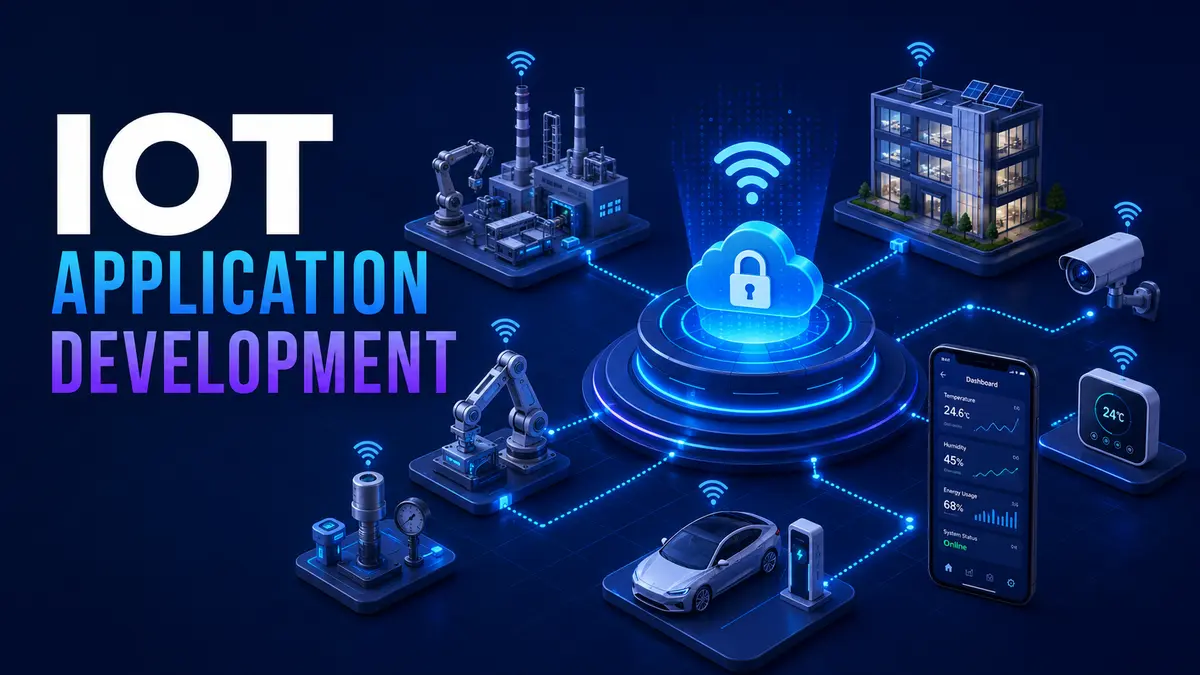
Internet of Things application development creates software that connects physical devices, sensors and machines with cloud services and user applications. A complete product may collect measurements, send commands, automate decisions, alert operators and provide dashboards for mobile or web users.
The difficult part is not only connecting a device. The system must handle unreliable networks, hardware differences, security, data volume, remote updates and long operating lifecycles. Good IoT development treats the device, connection, platform and user workflow as one product.
An IoT project should solve a specific operational problem. Examples include detecting equipment failure, monitoring temperature, reducing energy use, tracking assets or automating building controls.
Define who acts on the information and what decision changes. Collecting data without a response process creates dashboards but limited business value. A focused pilot should test the complete workflow from device event to human or automated action.
Each layer has different failure modes. Architecture decisions need to consider the complete chain rather than optimizing one component in isolation.
Hardware selection should consider accuracy, power, temperature, moisture, movement, expected lifetime and maintenance access. A sensor that performs well in a lab may fail in a factory, vehicle or outdoor location.
Plan how devices will be identified, configured, replaced and retired. Production deployments may contain thousands of units, so manual setup does not scale.
Connectivity may use Wi-Fi, cellular, Bluetooth, wired networks or specialized low-power options. The choice depends on distance, bandwidth, power, cost and coverage.
The application should expect disconnection. Devices may need to store information temporarily, retry safely and continue essential local behavior. The platform should detect when a device stops reporting and distinguish network failure from normal inactivity.
Cloud platforms can centralize storage, analytics, user access and fleet management. Edge processing keeps selected decisions close to devices, which can reduce latency, bandwidth and dependence on continuous connectivity.
Many products combine both. Immediate safety decisions may remain local while historical analysis and administration use the cloud. Our cloud consulting guide explains the broader architecture and operating considerations.
Device data needs timestamps, identity, units and quality indicators. The platform should understand late, duplicated and out-of-order messages. Retention rules should match business, legal and analytical needs.
Not every reading needs permanent storage. Aggregation can reduce cost while preserving useful trends. Raw data may be retained for a limited period when detailed diagnosis is important.
Every connected device can become an entry point. Security begins with unique device identity, protected credentials and encrypted communication. Default passwords and shared fleet credentials create serious risk.
Devices may operate for years while software dependencies and threats change. Plan secure remote updates before deployment. Updates should be signed, staged and recoverable if installation fails.
Fleet management should show device version, health, configuration and last communication. Operators need controlled ways to group devices and deploy changes gradually.
Dashboards should help users recognize conditions and take action. Avoid presenting every available measurement without priority. Use clear status, trends, alerts and recommended next steps.
Permissions may differ for operators, managers, technicians and customers. Mobile applications may need offline access for field work. Administrative tools require strong control because they can affect physical equipment.
IoT testing should include weak networks, power loss, incorrect time, duplicate messages, unavailable cloud services, expired credentials and failed updates. Hardware-in-the-loop testing can validate how software behaves with real devices.
Field pilots reveal environmental and human factors that lab testing misses. Start with a limited group, measure reliability and improve installation procedures before broad deployment.
Costs include hardware, certification, connectivity, cloud usage, application development, testing, installation, support and replacement. A low device price can be offset by expensive maintenance or poor reliability.
Estimate cost across the expected product life. Include remote updates, data retention, customer support and device retirement.
IoT products often require custom workflows and integrations. Our custom software solutions guide explains the planning, cost and delivery stages.
No. Some products operate locally or at the edge, but cloud services are useful for remote access, fleet management, analytics and centralized updates.
Often yes. Sensors, gateways or equipment interfaces may add connectivity, but safety, warranty and protocol restrictions need assessment.
A good pilot tests the complete business workflow with realistic devices, networks, users and measurable success criteria.
TechFusion Gear helps businesses design connected products, cloud platforms and custom user applications around security and maintainability. Contact our team to evaluate an IoT use case and plan a controlled pilot.