

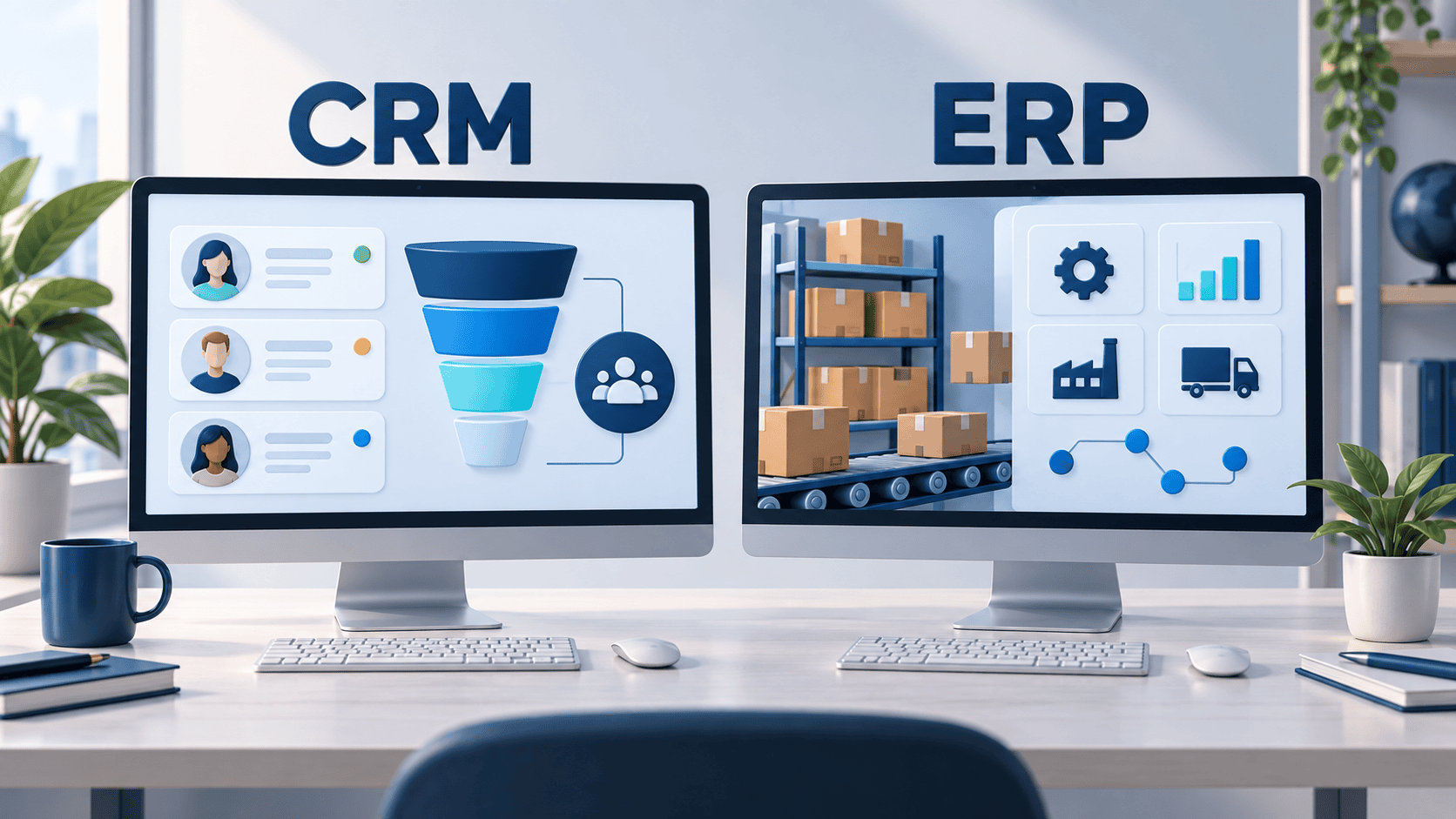
CRM helps manage customer relationships, sales opportunities and service interactions. ERP helps coordinate internal operations such as finance, purchasing, inventory and fulfillment. Choose the system that addresses your biggest process bottleneck; some businesses need both, connected through a clearly defined handoff.
For a growing US small business, CRM vs ERP is not just a software comparison. It is a decision about where information gets lost, which team needs a reliable record and what should happen after a customer agrees to buy. Buying a larger platform does not automatically fix an unclear process.
This guide offers a practical selection checklist, an order-to-payment example and questions to use when evaluating implementation proposals. It does not rank vendors or assume every business needs custom software.
| Question | CRM | ERP |
|---|---|---|
| What does it stand for? | Customer relationship management | Enterprise resource planning |
| Primary focus | Customer-facing relationships and interactions | Operational resources and transactions |
| Typical records | Contacts, opportunities, activities and service cases | Orders, inventory, purchasing and financial records |
| Typical users | Sales, marketing and customer service | Finance, purchasing and operations |
| Example question | Which opportunities need follow-up? | Can we fulfill this order and invoice it correctly? |
These are general distinctions, not rigid product boundaries. Suites may include overlapping modules. Oracle’s CRM and ERP comparison describes the customer-facing versus operational emphasis. Evaluate the specific modules in a proposal rather than the product label alone.
A CRM brings customer information and interactions into a shared system. Depending on its scope, it can support sales follow-ups, opportunity tracking and customer support. Salesforce’s CRM overview explains this relationship-management role.
If you need the fundamentals first, read our guide to what CRM stands for. Here, the more useful selection question is: can your team consistently identify the next action for each customer?
Test a CRM against a recent missed opportunity. Ask a salesperson to find the contact, previous conversation, responsible owner and next follow-up. If those details remain scattered across inboxes after the demonstration, investigate whether the proposed workflow actually solves the problem.
Consider an ERP evaluation when the problem extends beyond customer conversations into coordinating how work gets delivered. Start by documenting where staff reconcile conflicting records or re-enter the same transaction.
For example, a distributor might have a sales spreadsheet, a separate stock record and an accounting package. That setup is not inherently wrong. The warning sign is that people cannot reliably explain which order is approved, what is available and what has already been invoiced.
Before considering a replacement, check whether the existing tools can be configured or connected. A narrowly scoped integration may be enough. An ERP initiative becomes more relevant when several related operational processes need a consistent model and accountable ownership.
If delivery and invoicing work well but leads are forgotten, focus your first evaluation on customer ownership and follow-up. Define what counts as a qualified opportunity, who acts next and when a record can move to another stage.
A useful pilot is one sales team using a small, cleaned set of records. Review whether the team can see overdue actions and whether managers can understand the pipeline without rebuilding a spreadsheet.
If sales are being recorded but orders repeatedly stall after approval, map that handoff before adding more sales features. Trace one real order from acceptance to delivery and payment. Identify every person who changes the record and every place the information is copied.
The next step might be ERP, a specialist operations tool or a better connection to existing software. Do not assume a full-suite rollout is the only option.
If sales and operations each have usable tools but disagree about the same customer order, the priority may be integration and shared definitions. Buying another application without deciding which system owns each field can add a third conflicting record.
The following example is hypothetical, not a Techfusion Gear client case study.
Imagine a US wholesale business that receives a request for 40 units of a product. The sales team needs the buyer’s history and agreed terms. Operations needs an approved order, the correct product identifier and delivery requirements.
The difficult part is usually the exception, not the happy path. What happens if a request is resent after a timeout? What happens if the delivery address changes after dispatch? Ask for those demonstrations before accepting an integration as complete.
Use a short field-ownership worksheet during discovery. For each important field, record the authoritative system, permitted editors and what triggers an update elsewhere.
Ask the implementation team to explain failed-sync alerts, retries, audit records and reconciliation. Also ask how the business will continue working during an outage. These are proposal-evaluation questions, not features to assume every connector provides.
Do not compare only subscription prices or assume CRM is always the cheaper project. A small operational rollout and a heavily customized sales system can have very different scopes. Request an itemized USD estimate based on your actual users and workflows.
Compare proposals over the same planning period and document exclusions. Ask which charges depend on user counts, transaction volumes or additional environments. Avoid treating an unsourced average implementation price as a quote for your business.
Start by testing whether an established product can support the essential workflow through configuration. Where there is a gap, compare changing the process, adding an integration and building a targeted extension.
Custom development deserves consideration when a valuable requirement cannot be served adequately by those approaches. It also creates ongoing responsibilities: documentation, testing, security maintenance and support. Do not commission a replacement system simply because one report is inconvenient.
Our custom software planning guide can help frame scope and delivery questions. For a risky connection, consider a focused proof of concept before a larger build.
Give each provider the same anonymized scenario, rather than letting every demonstration follow a different sales script.
Keep a decision log containing requirements met, unresolved gaps, assumptions and named owners. A feature should not receive full credit merely because it appears on a roadmap.
Not automatically. Check whether the particular product supports the operational requirements you need. Customer tracking alone does not establish that it can handle your fulfillment and financial workflows.
Yes, some suites include CRM functionality. Evaluate that module against the sales and service tasks your team performs, rather than assuming an included module is sufficient.
Not necessarily. Start with the process causing measurable problems. Existing accounting, sales or operations tools may remain useful when configured or connected appropriately.
Only after evaluating dependencies and the team’s capacity to manage change. A phased rollout can make testing and training easier, but temporary handoffs also need an explicit plan.
Choose measures linked to the original problem, such as overdue follow-ups, duplicate records or order corrections. Establish a baseline before rollout and review whether the new process improves it. Do not rely only on login counts.
The practical answer to CRM vs ERP is to identify the missing capability, assign data ownership and test the proposed process with realistic exceptions. The right scope may be one system, two connected systems or an improvement to what you already use.
Share your workflow with Techfusion Gear to discuss the requirements and whether an integration or custom development project is appropriate. Bring a sample process, the tools already in use and the problems you want to resolve.